




What is the RAM clearance of my Noctua CPU cooler?
If you already have a motherboard and RAM for your future build, you can verify your memory module, socket and cooler combination is compatible by entering your components in our RAM compatibility section.
Noctua RAM clearance chart of selected coolers
Noctua Cooler | RAM Compatibility | RAM Clearance |
|---|---|---|
32 mm standard RAM clearance | ||
32 mm standard RAM clearance | ||
| 66 mm RAM clearance | |
100% RAM compatibility | ||
100% RAM compatibility | ||
100% RAM compatibility | ||
100% RAM compatibility | ||
100% RAM compatibility | ||
On AM5 and AM4: 100% RAM compatibility | ||
100% RAM compatibility | ||
Low Profile Mode: 39.5 mm standard RAM clearance | ||
48 mm standard RAM clearance | ||
Low Profile Mode: 35 mm RAM clearance | ||
Low Profile Mode: 44 mm RAM clearance | ||
100% RAM compatibility | ||
100% RAM compatibility | ||
100% RAM compatibility | ||
100% RAM compatibility | ||
| 100% RAM compatibility | |
100% RAM compatibility |
In general, RAM clearance of different coolers can be improved by moving the fan up a few millimetres (D-type and U-type coolers) or by moving the fan to a different position (C-type and L-type coolers):
D-type and U-type coolers
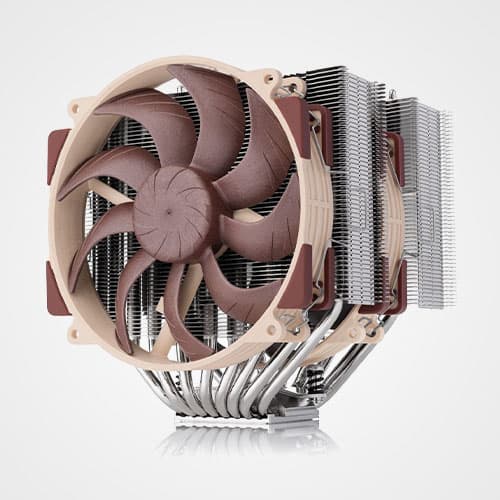
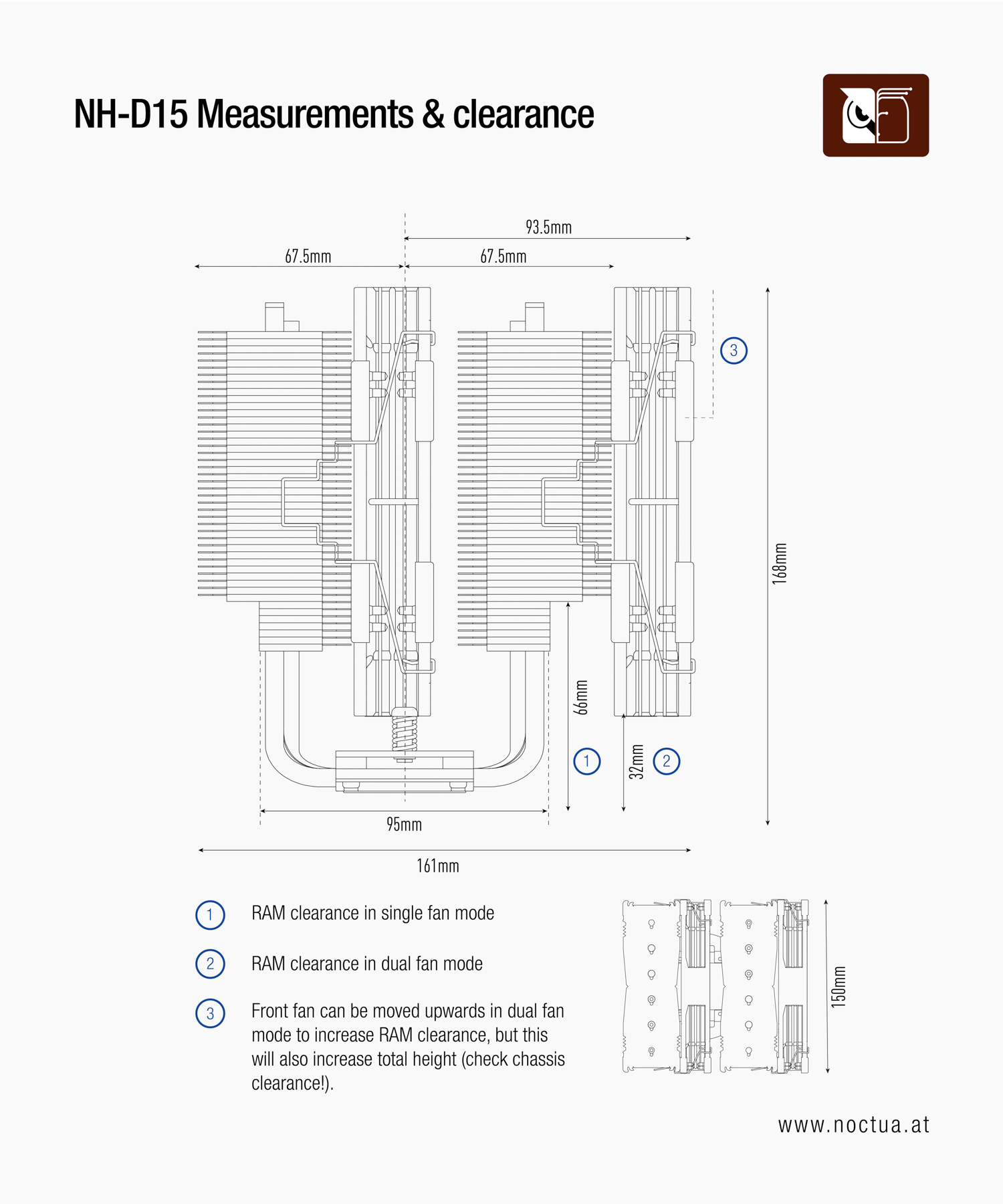
The D-type cooler that is impacted the most by RAM module height is the NH-D15 and NH-D15 G2. Therefore, these will be used as an example in this FAQ. However, the following can be applied to all D-type and U-type coolers.
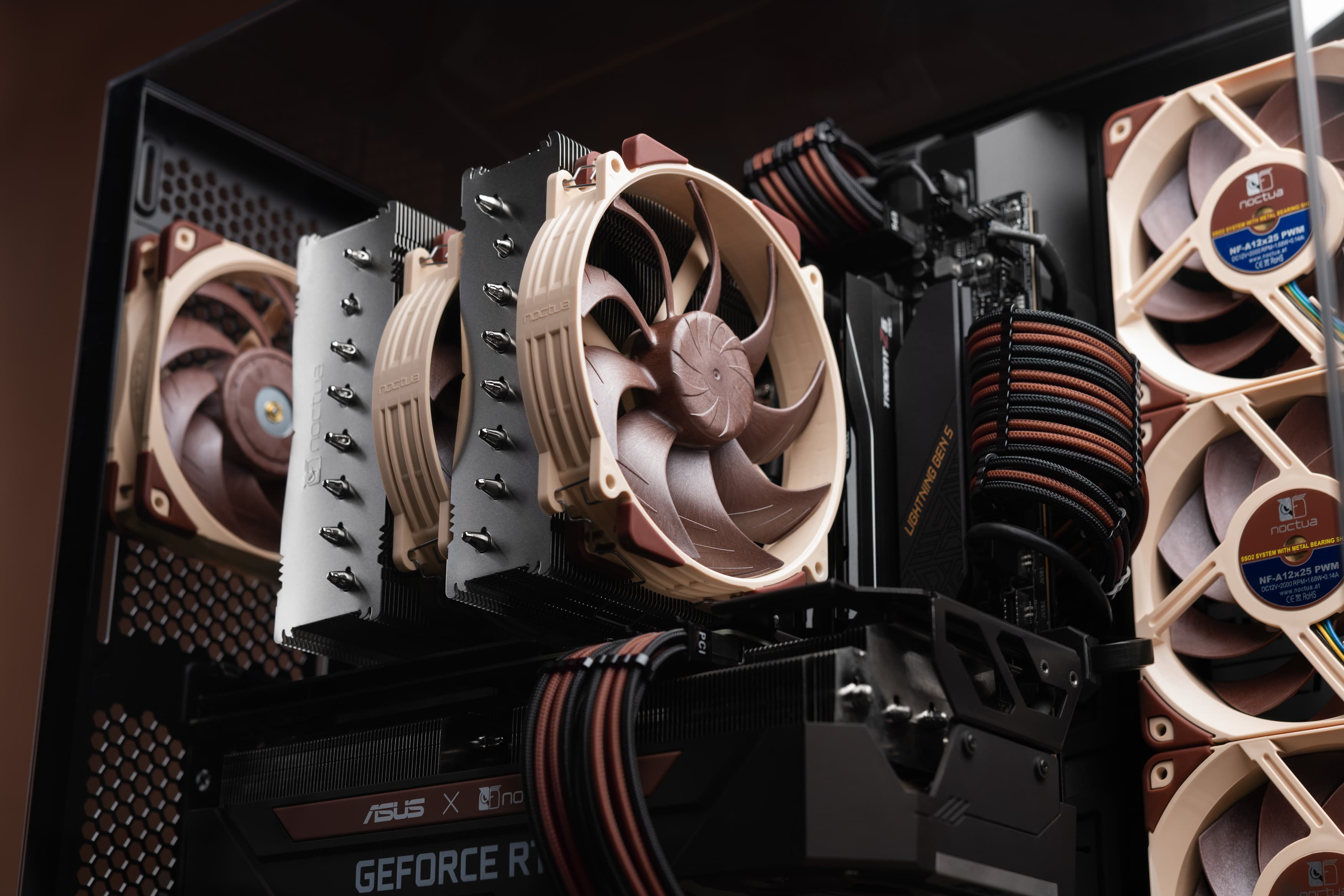
The NH-D15 allows for a RAM module height of 32 mm in its default configuration. The RAM clearance can be improved by moving the front fan up by a few millimetres. However, please note that this also increases the total height of the cooler, so please verify that your case has sufficient clearance as well. Another option is to remove the front fan entirely, but this would reduce the cooling capacity by 1-3° C depending on the components and overall setup. Another option to bypass an insufficient RAM clearance is to install a smaller fan (e.g. NF-A12x25 PWM or the NF-F12 PWM).
In short, moving the front fan up by 5 mm allows for 37 mm RAM modules, but also requires an extra 5 mm of case clearance.
C-type and L-type coolers
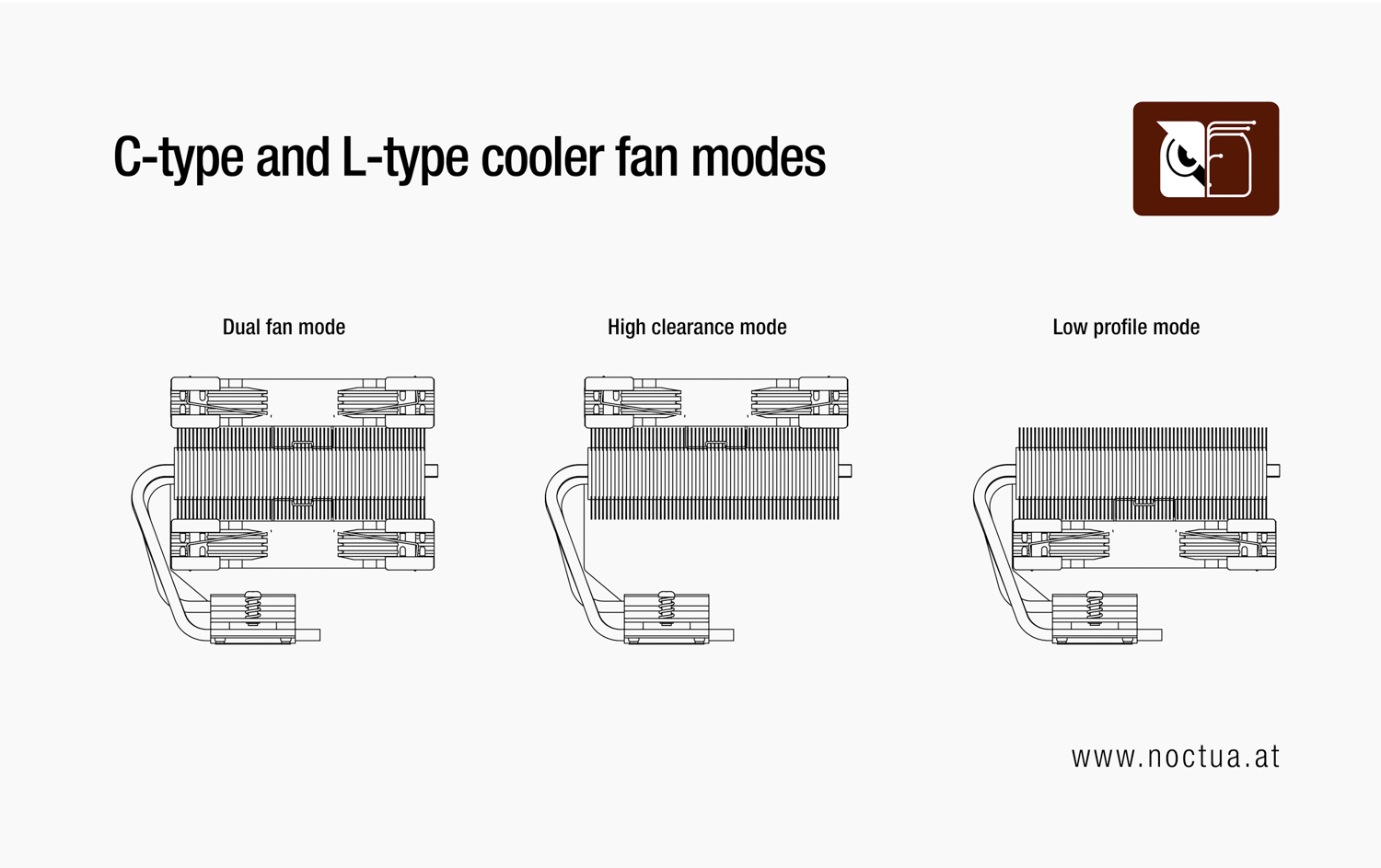
For C-type and L-type coolers, the approach differs slightly. If your cooler only comes with one fan, you can mount the fan on top of your cooler (high-clearance). This allows for higher memory modules but increases the total space required in your case.
- Low profile mode: Fan is installed on the bottom of the cooler
- High clearance mode: Fan is installed on the top of the cooler
- Dual fan mode: Fans are installed on top and bottom
Related FAQs
Related articles
Want to know more on this topic? Explore relevant articles and resources.
Noctua confirms AM5 heatsink compatibility and announces free-of-charge upgrades for low-profile coolers and older heatsink models
22/09/2022
Noctua today confirmed that all its CPU coolers and mounting-kits that support AMD AM4 also support the upcoming AM5 socket, except the NH-L9a-AM4 low-profile cooler and the NM-...

Intel LGA1851 heatsink compatibility & upgrades for older heatsink models
10/10/2024
Noctua today confirmed that all its CPU coolers and mounting-kits that support Intel® LGA1700 also support the new LGA1851 socket of the upcoming Core™ Ultra desktop processors ...
Noctua announces free-of-charge mounting upgrades and updated CPU coolers for LGA1700
17/08/2021
Noctua today announced that it will provide free-of-charge mounting upgrade kits for Intel’s upcoming LGA1700 platform, enabling customers to keep using existing CPU coolers on ...
Noctua confirms compatibility with AMD AM3+ and FM1
27/06/2011
Noctua today confirmed the full compatibility of its current line-up of CPU coolers with AMD’s new AM3+ and FM1 sockets. The SecuFirm2™ mounting system of all current Noct...